
Set it up
- Review Microphone and System Audio permissions in Settings > Data and privacy.
- Allow Accessibility, which Mumble uses to detect meeting starts and ends.
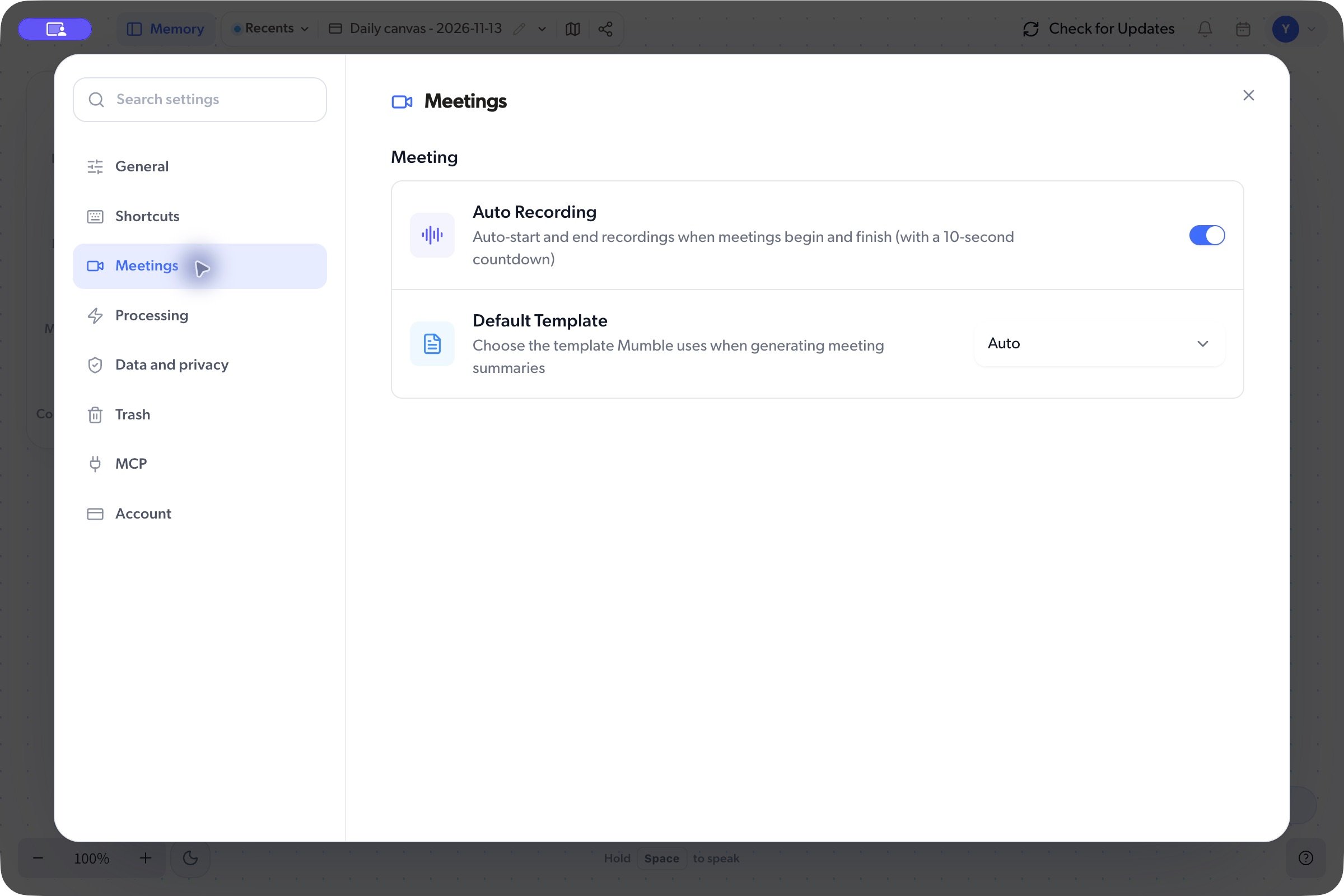
- Turn Auto Recording on in Settings > Meetings.
- When your next meeting starts, check the countdown and recording indicator.