
Find your saved content
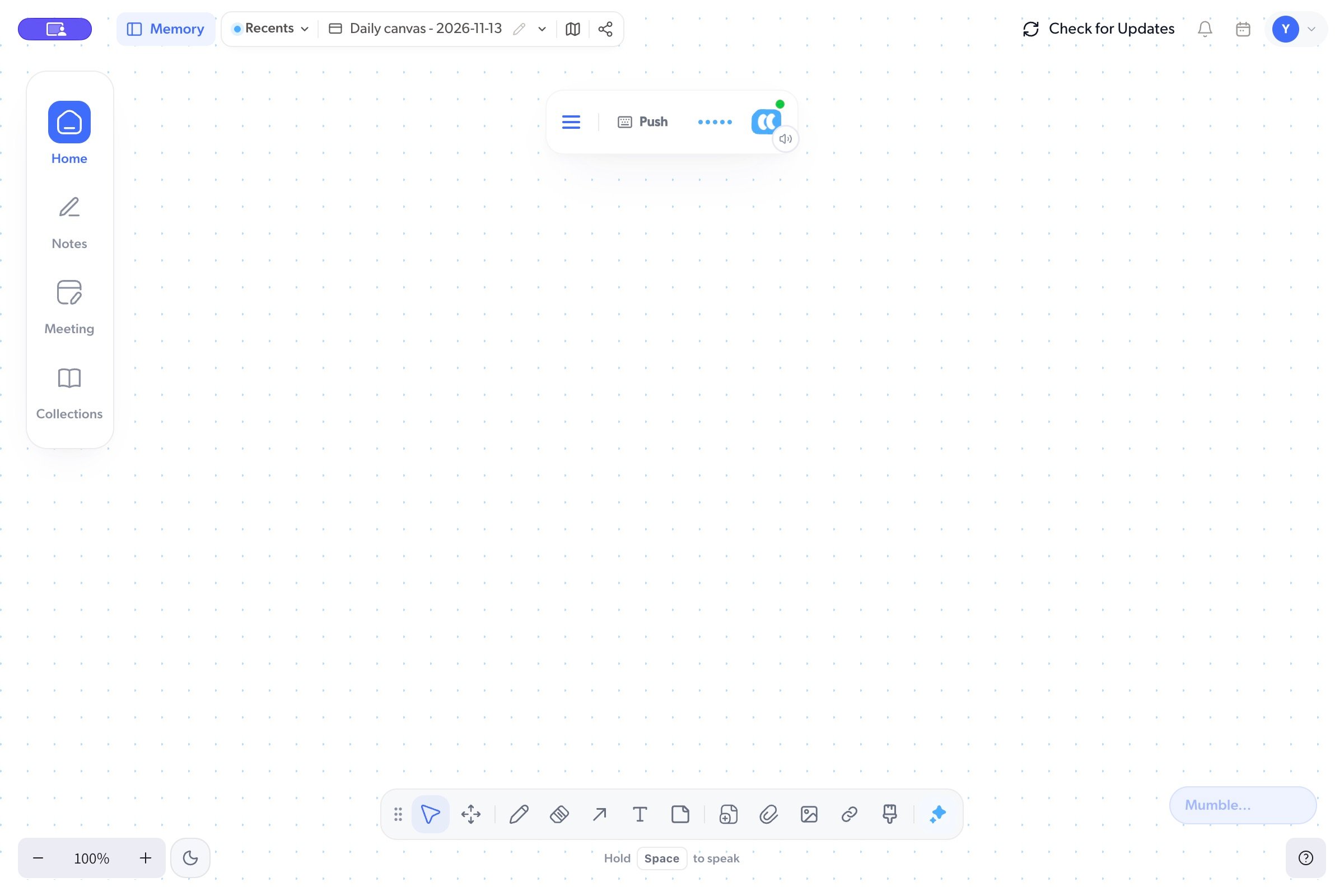
Open Memory to reveal the navigation rail:
Choose an item to open it. Notes can open beside the list or as a canvas card. Search and filters apply to the section you are viewing; clear them if an item seems to be missing.
Work on the canvas
Use the canvas toolbar to select and move objects, pan around, draw, erase drawings, add arrows, write text, or add a note. Undo and Redo let you step through recent canvas edits.
These keys work when you are working on the canvas rather than typing in a text field. They are separate from your recording shortcuts in Settings.