
Create one
1
Open the Custom prompt tab
Open AI Actions in the sidebar and go to the Custom prompt tab.
2
Click Add
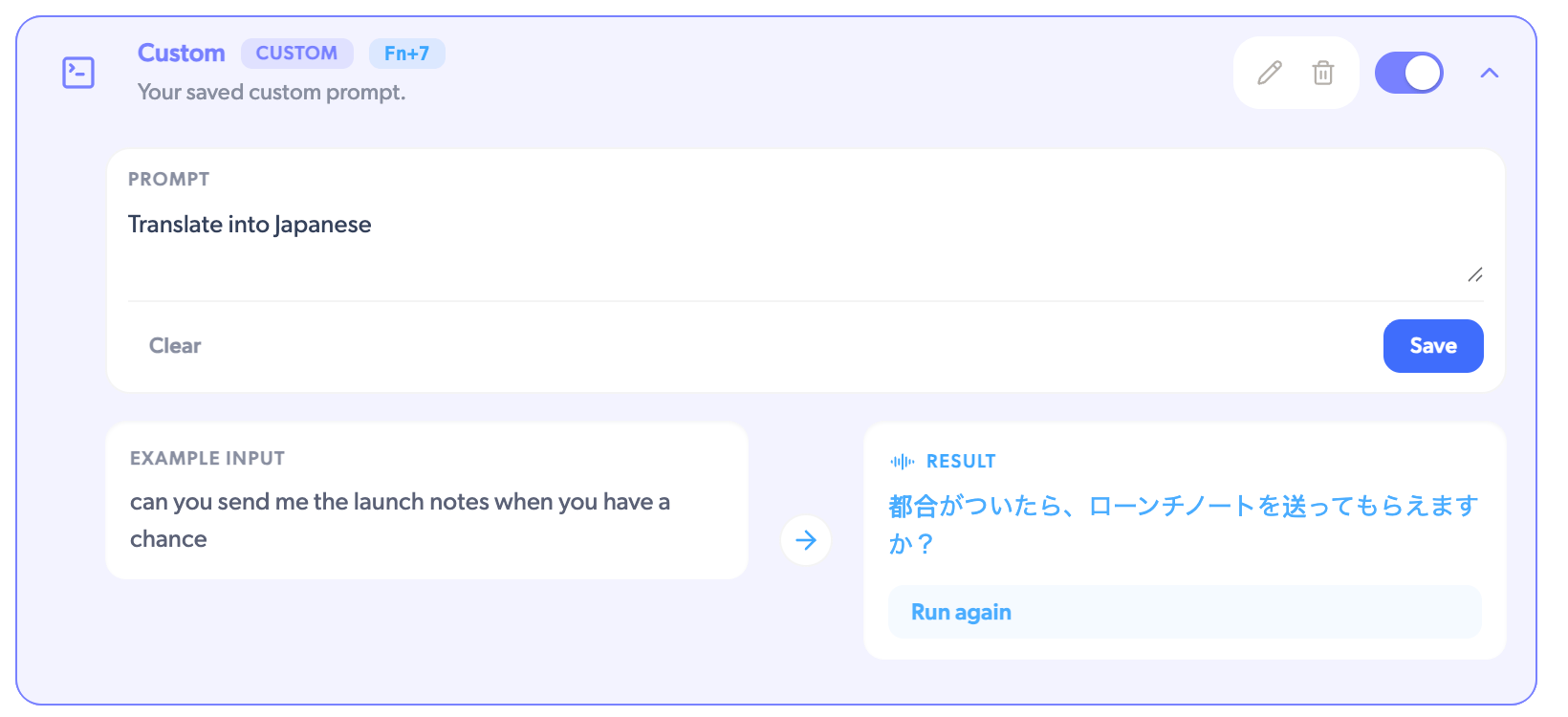
Give the prompt a name and write the instruction, like “Translate into
Japanese.” A live preview shows a before and after so you can check it does
what you mean.
3
Save and toggle it on
Your prompt appears in the action list with the next free number key, shown
on its row.
Number keys cover up to Fn+9. Actions beyond that are still available from the
pill menu while you dictate.
Prompt ideas
- Translate. “Translate to Spanish. Keep it natural and concise.” Dictate in English, land in Spanish.
- Change the tone. “Rewrite as a polite, concise Slack message. Keep my names and jargon.” Casual speech becomes a message you can send as-is.
- Structure it. “Rewrite as a numbered step-by-step guide.” Spoken instructions become a checklist.