Cleanup
Turns your speech into clean text, and runs by default when you pick nothing else. It removes fillers and false starts, applies your self-corrections, fixes punctuation and capitalization, and tidies numbers, dates, and spoken URLs. Say “send it Tuesday, no wait, Wednesday” and you get “Send it Wednesday.”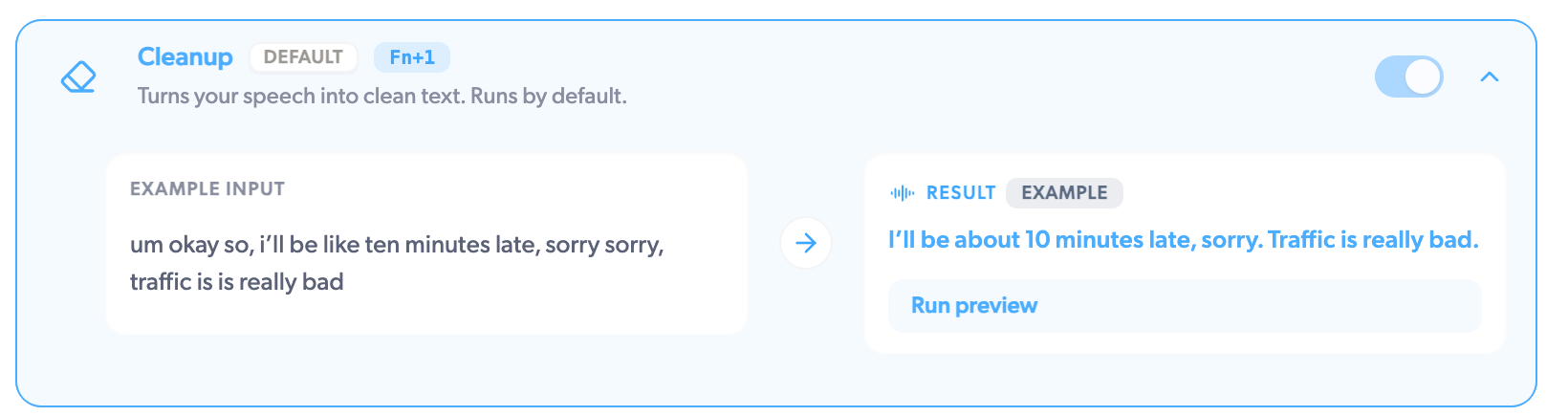
Concise
Trims your words to the essentials while keeping the meaning. It drops the framing and merges rambling sentences, but keeps every fact, number, and question. A minute of thinking out loud becomes the two sentences you actually meant.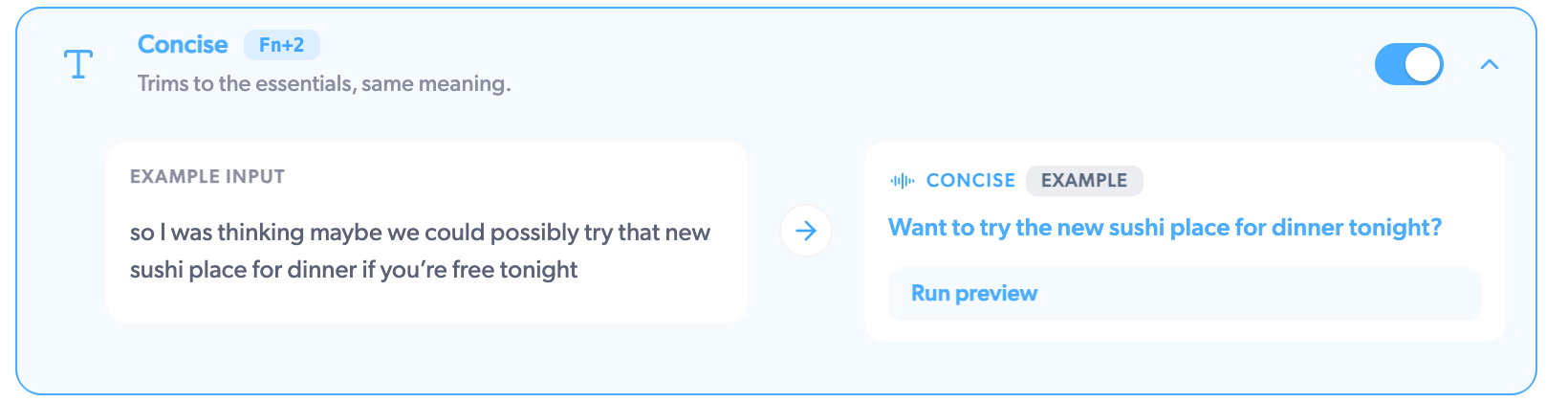
Bullets
Turns your speech into a bullet point list, with short headings when your thought has natural sections. Ideal for dictating a plan, meeting prep, or a shopping list: “we need to book the venue, then email the speakers, and someone should check the budget” comes out as three tidy bullets.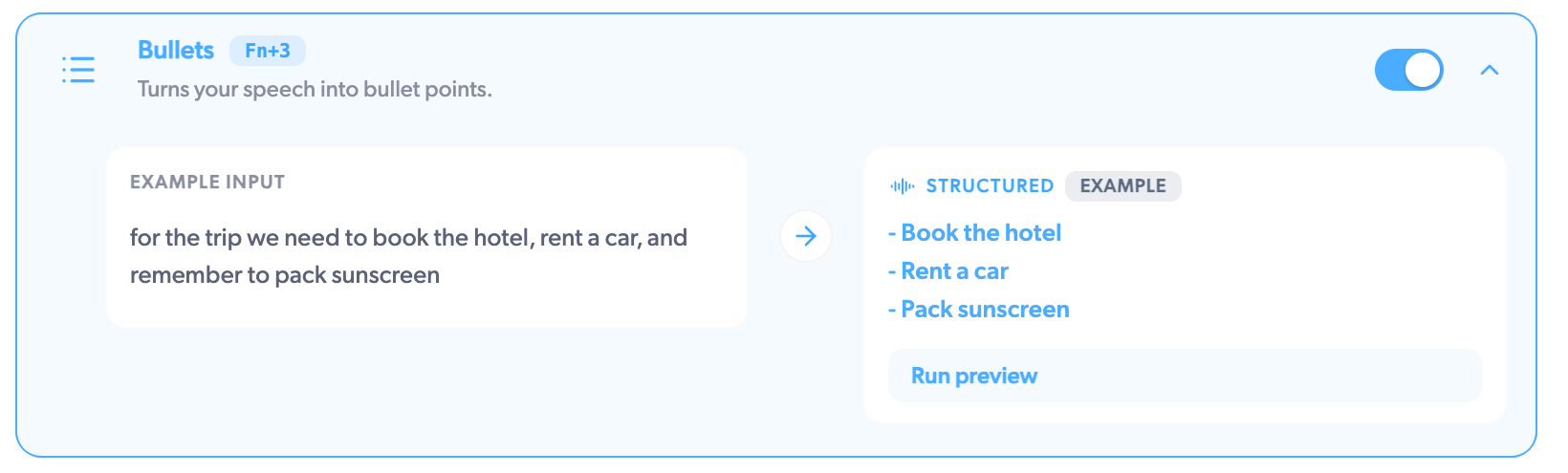
Emoji
Finds emoji that fit what you said, then opens a small picker with the best matches. Use the arrow keys and Enter to drop one at your cursor. Say “that deadline is going to be tight” and pick from a row of fitting reactions.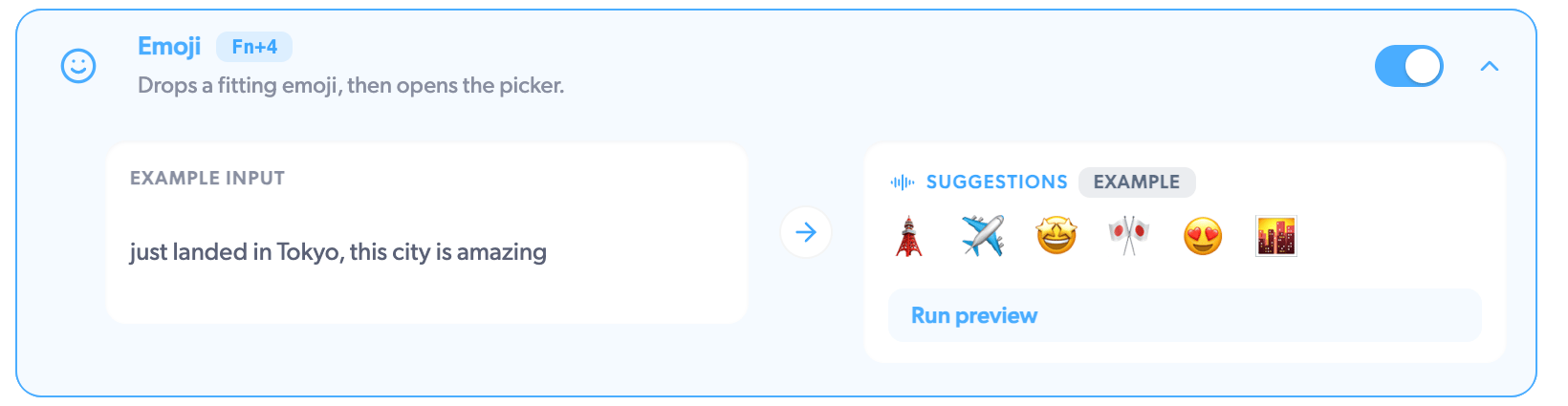
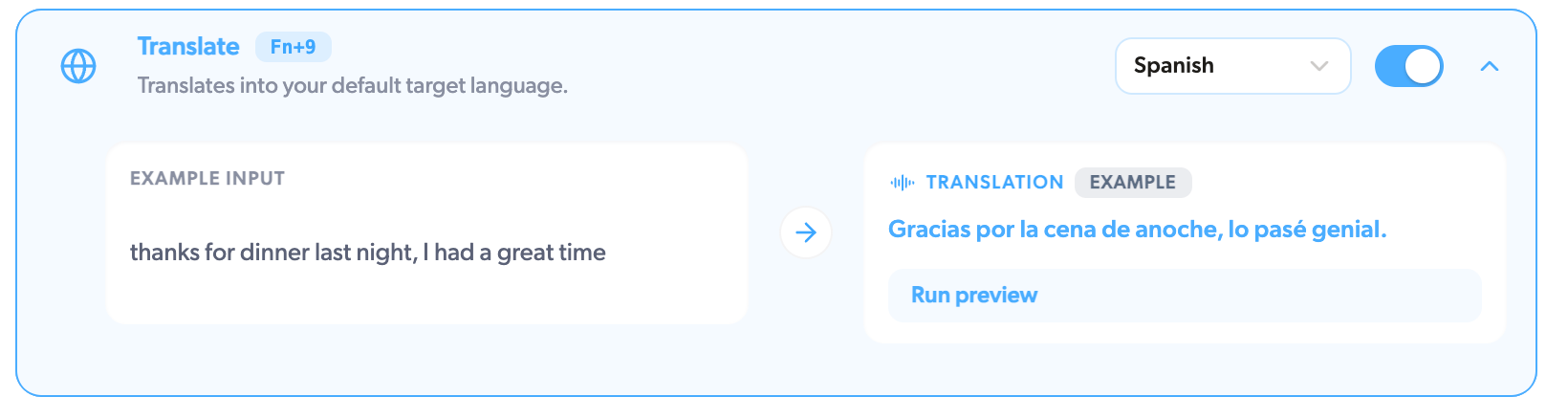
Translate
Translates your speech into your default target language, keeping the tone and formatting. Dictate in English, land in Spanish. Set the target language on the Translate row in AI Actions; you can pick any of Mumble’s 40+ languages. More on languages